Steps
- 1
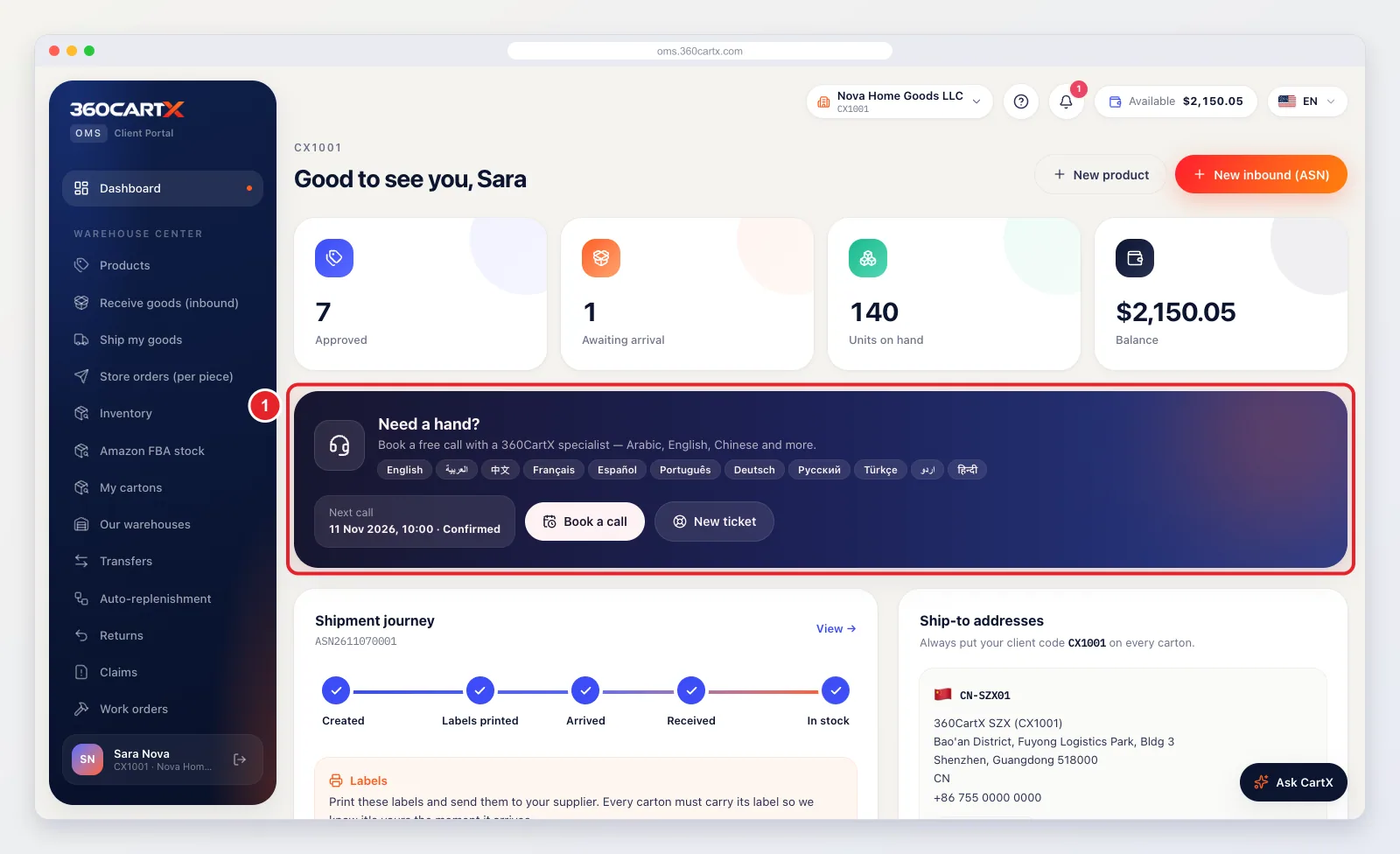
Find the Need a hand? card
Below the four numbers on the dashboard. The small labels list the languages you can book a call in: English, العربية, 中文, Français, Español, Português, Deutsch, Русский, Türkçe, اردو and हिन्दी.
- 2
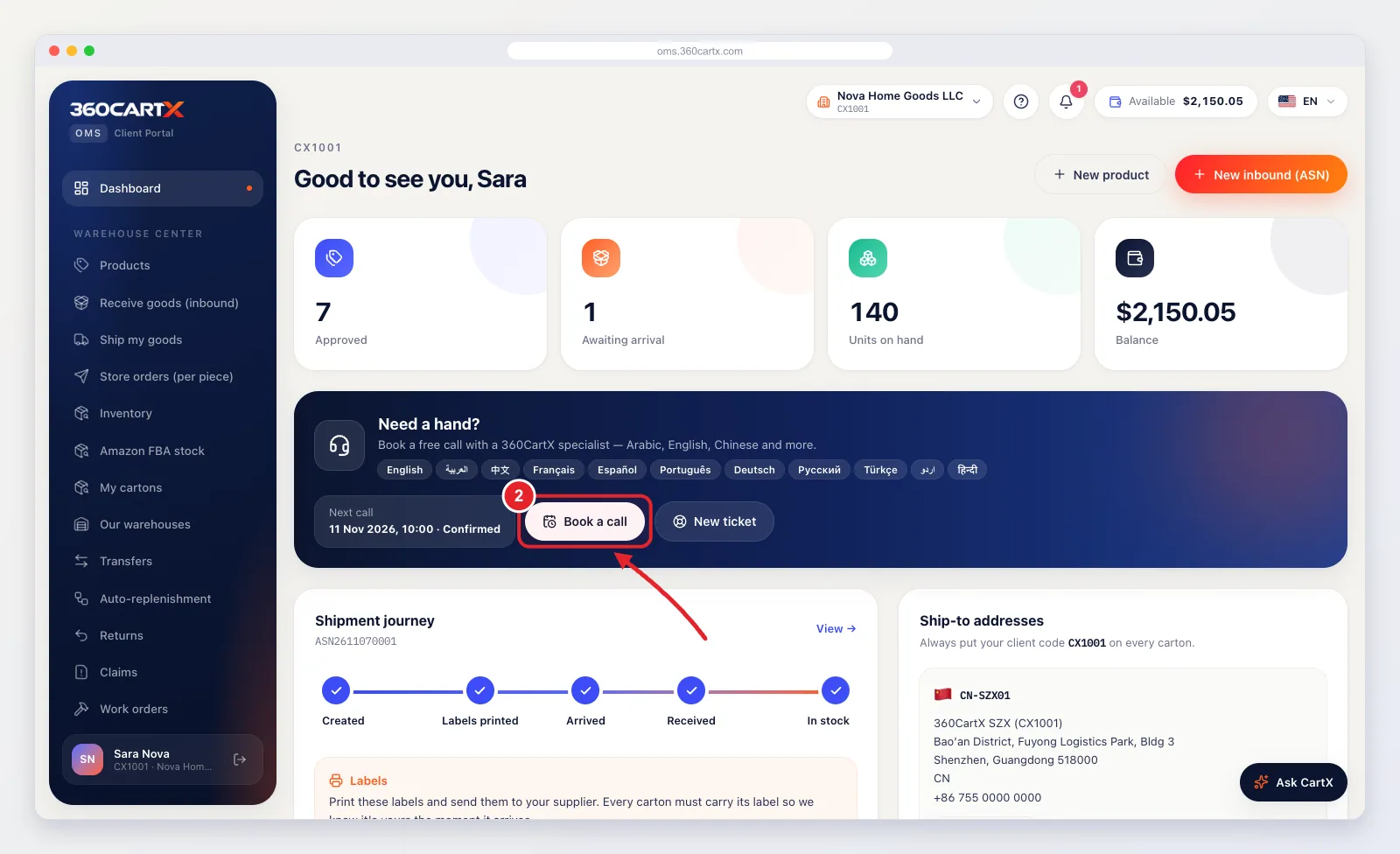
Book a call
Click Book a call. Help & support opens on the Talk to a specialist tab, where you choose the topic (for example Getting started), the language, how we reach you (WhatsApp, phone or video) and a time slot.
- 3
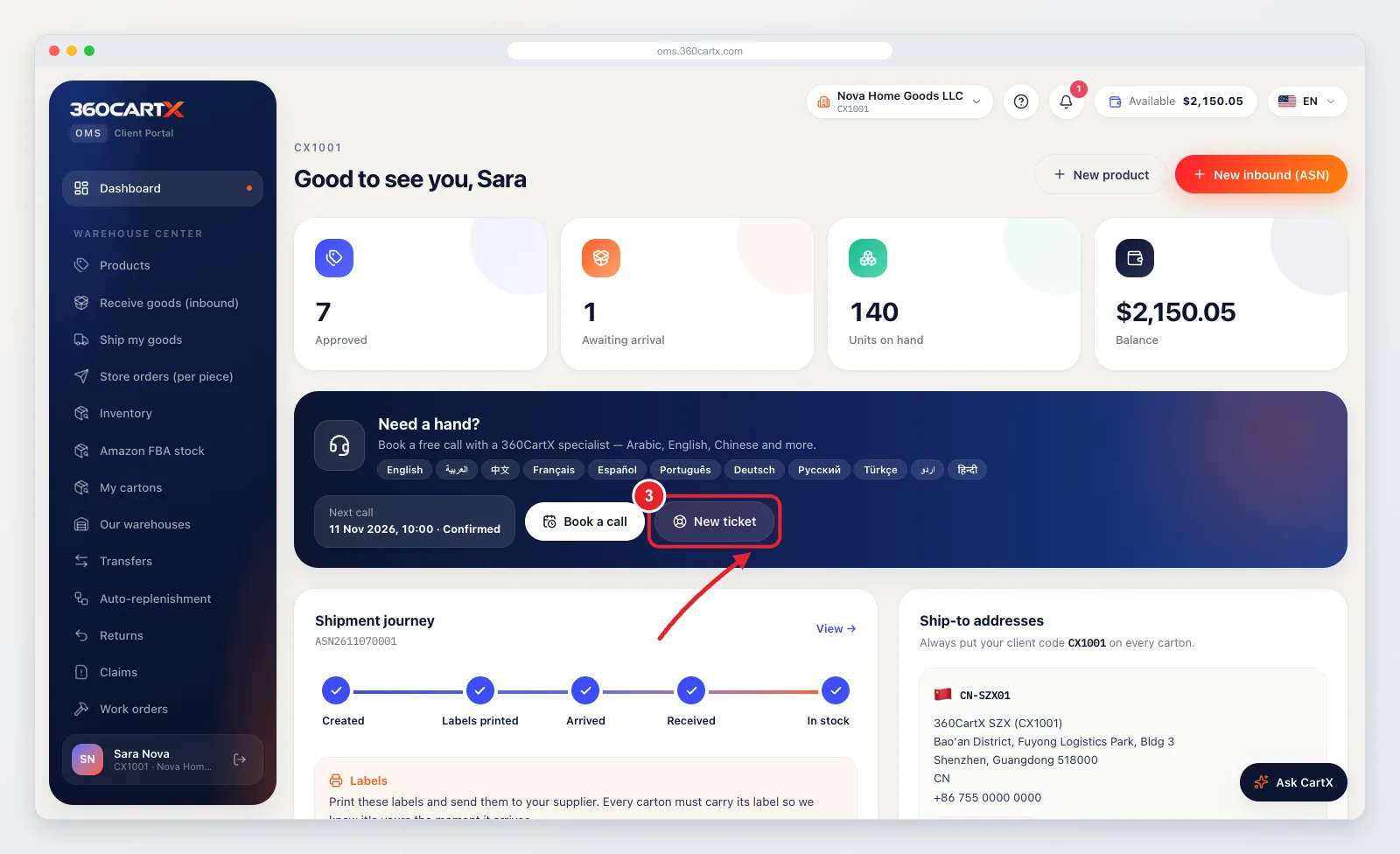
Or open a ticket
Click New ticket to write to us instead, for example when you want to attach a file or the question is not urgent. The form opens in Help & support; our reply appears in the ticket and in your notifications (the bell).
- 4
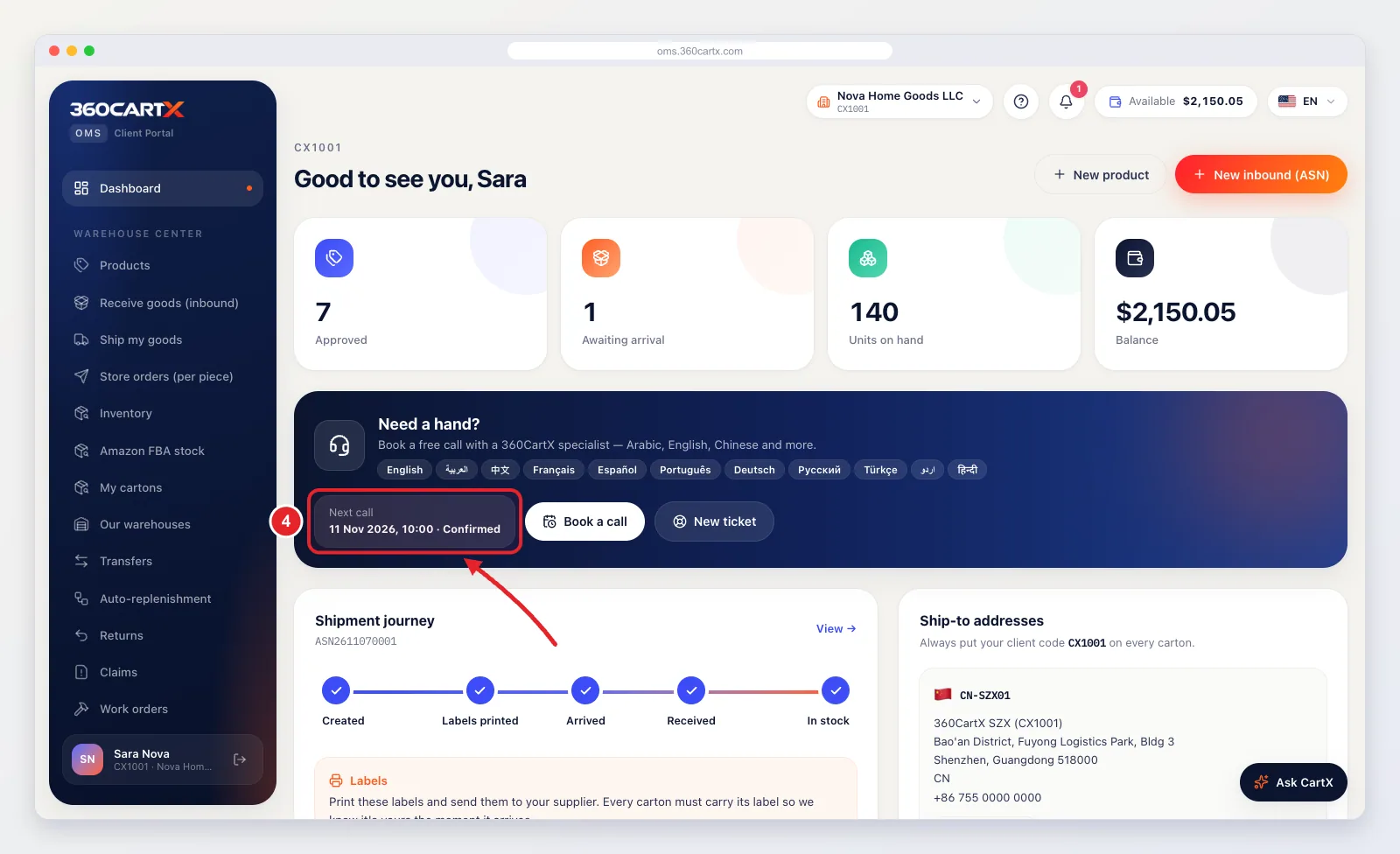
See your next call
Once you have booked a call, the card shows Next call with the date, time and status: Waiting for confirmation until our team confirms the slot, then Confirmed. It disappears after the call time has passed.
Tips
- Calls are free. Book one when you start, for example to plan your first inbound shipment.
- To change or cancel a booked call, open Help & support, tab Talk to a specialist. See Book a call with a specialist for all the details.
Common problems
My call still shows Waiting for confirmation
Our team has not confirmed the slot yet. You get a notification when it is confirmed; if the time is close, open a ticket.
You already have 3 upcoming calls
You can have at most 3 upcoming calls. Cancel one in Help & support, tab Talk to a specialist, then book again.
I do not see the card
The card is on the dashboard only. Click Dashboard in the left menu.
Related articles
Updated 2026-11-09
Open a ticket from Support in your portal and our team will reply.