Steps
- 1
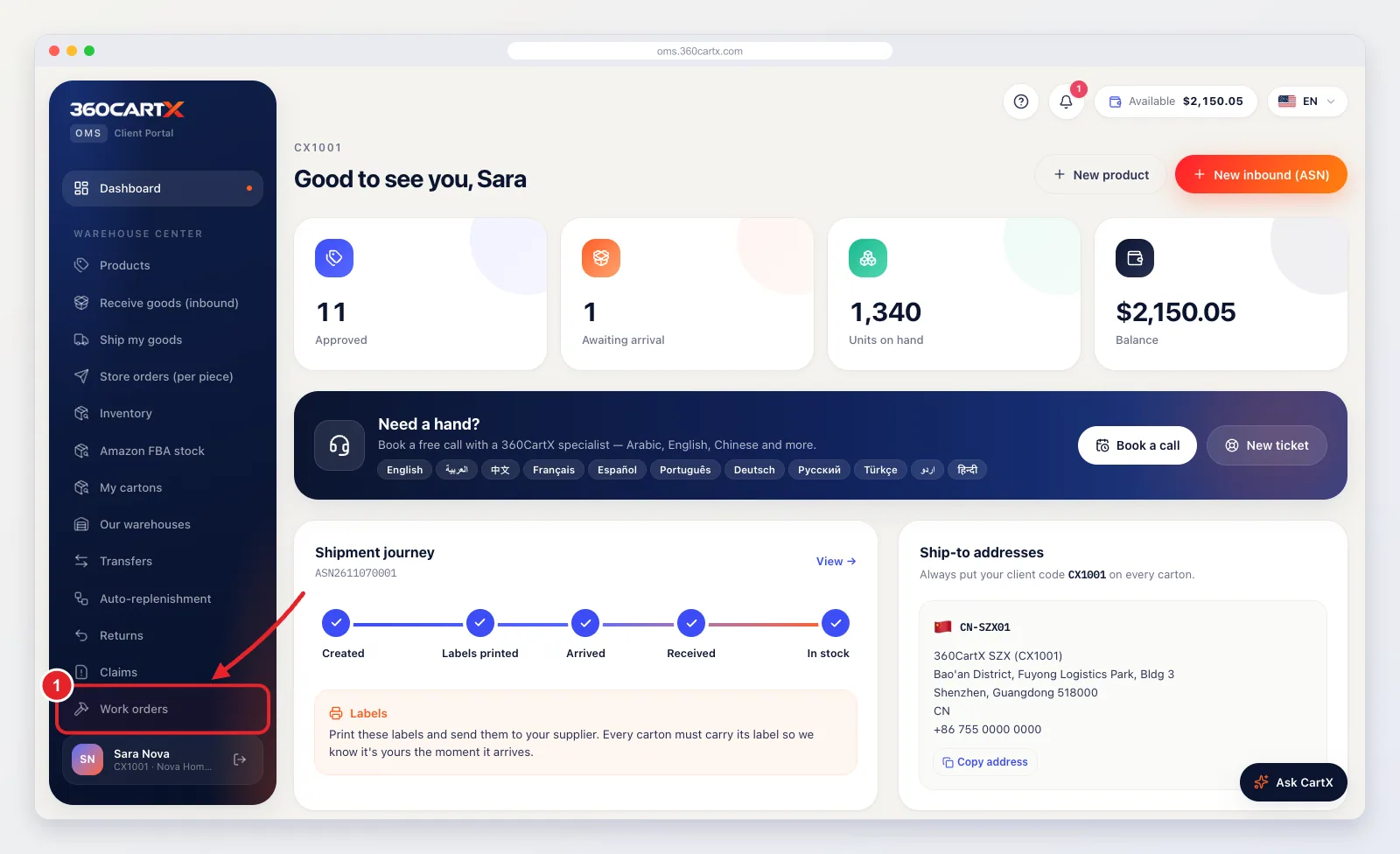
Open Work orders
Click Work orders under Warehouse Center in the left menu.
- 2
The page and the buttons
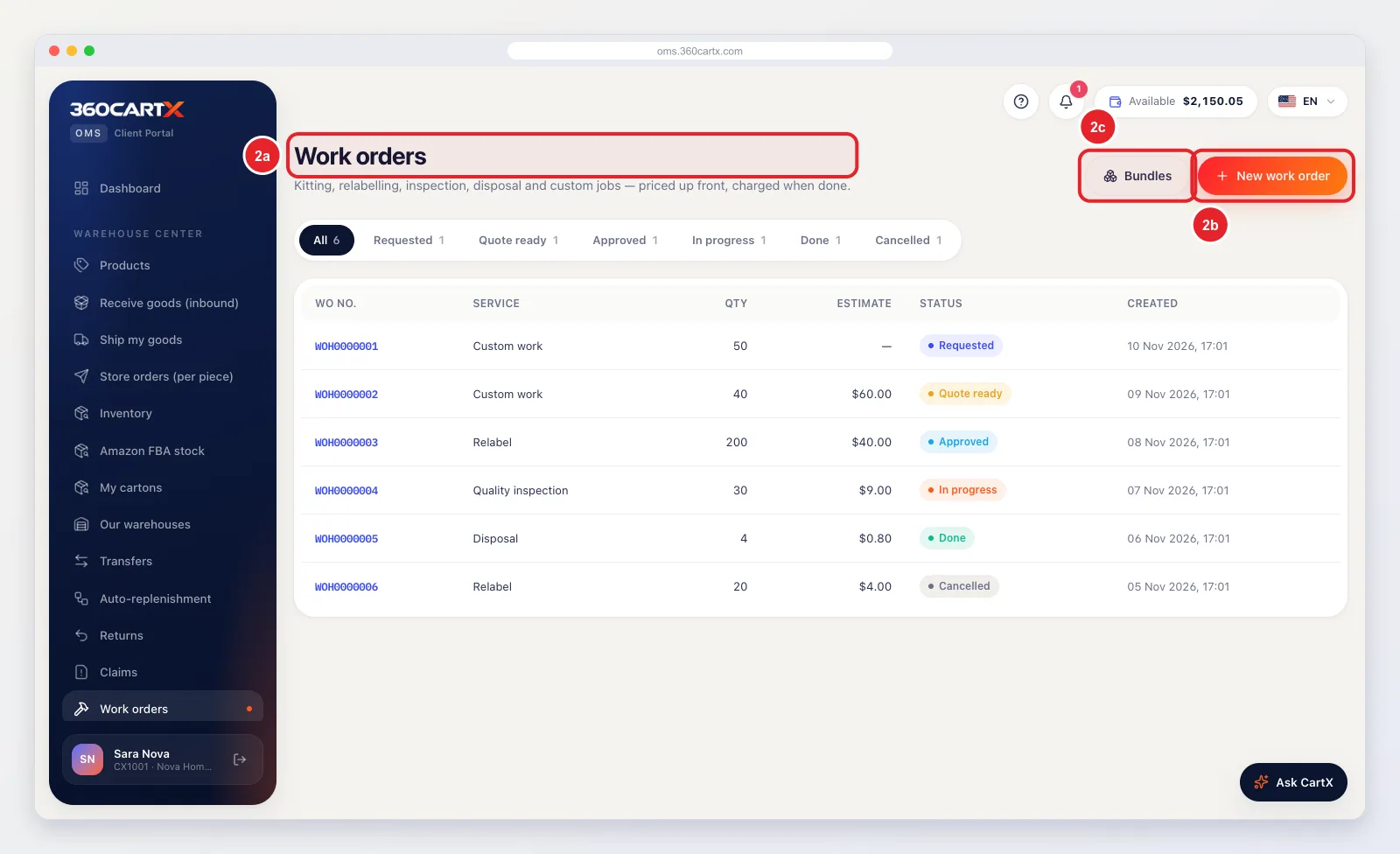
The page says: Kitting, relabelling, inspection, disposal and custom jobs — priced up front, charged when done. New work order starts a job. Bundles opens your bundles, which kitting uses.
- 2a Page title
- 2b New work order
- 2c Bundles
- 3
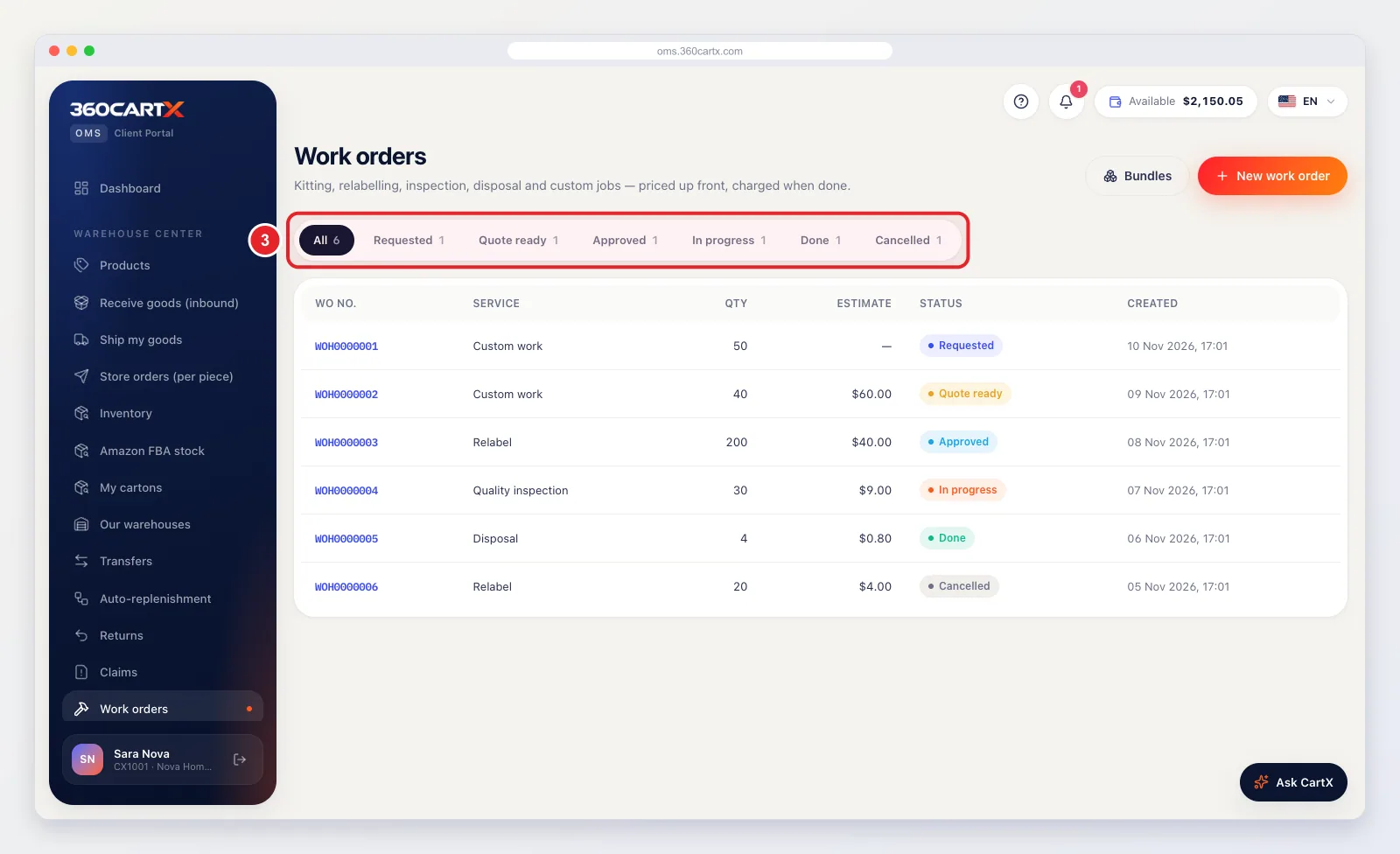
The tabs
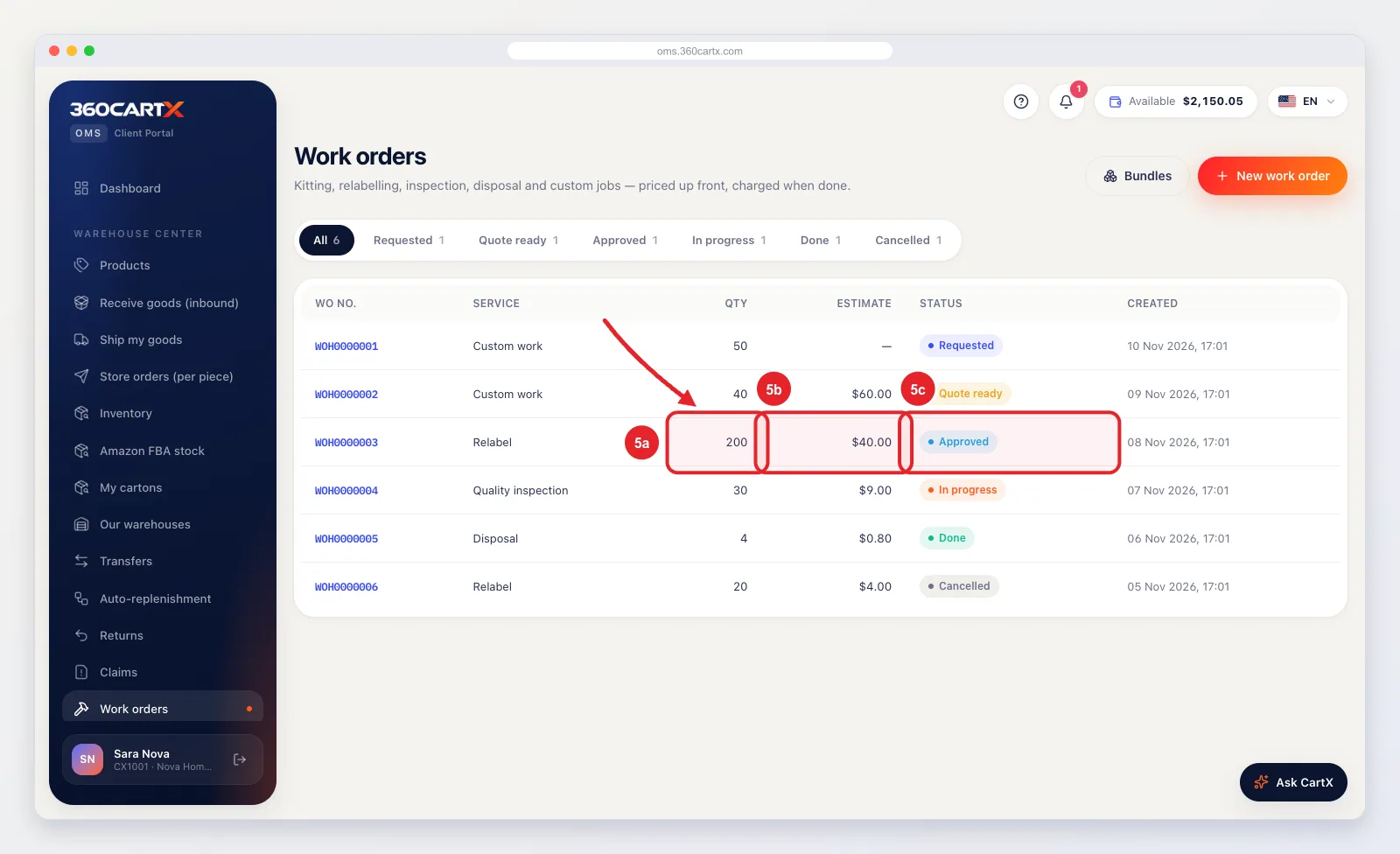
All, Requested, Quote ready, Approved, In progress, Done and Cancelled, each with the number of jobs.
- 4
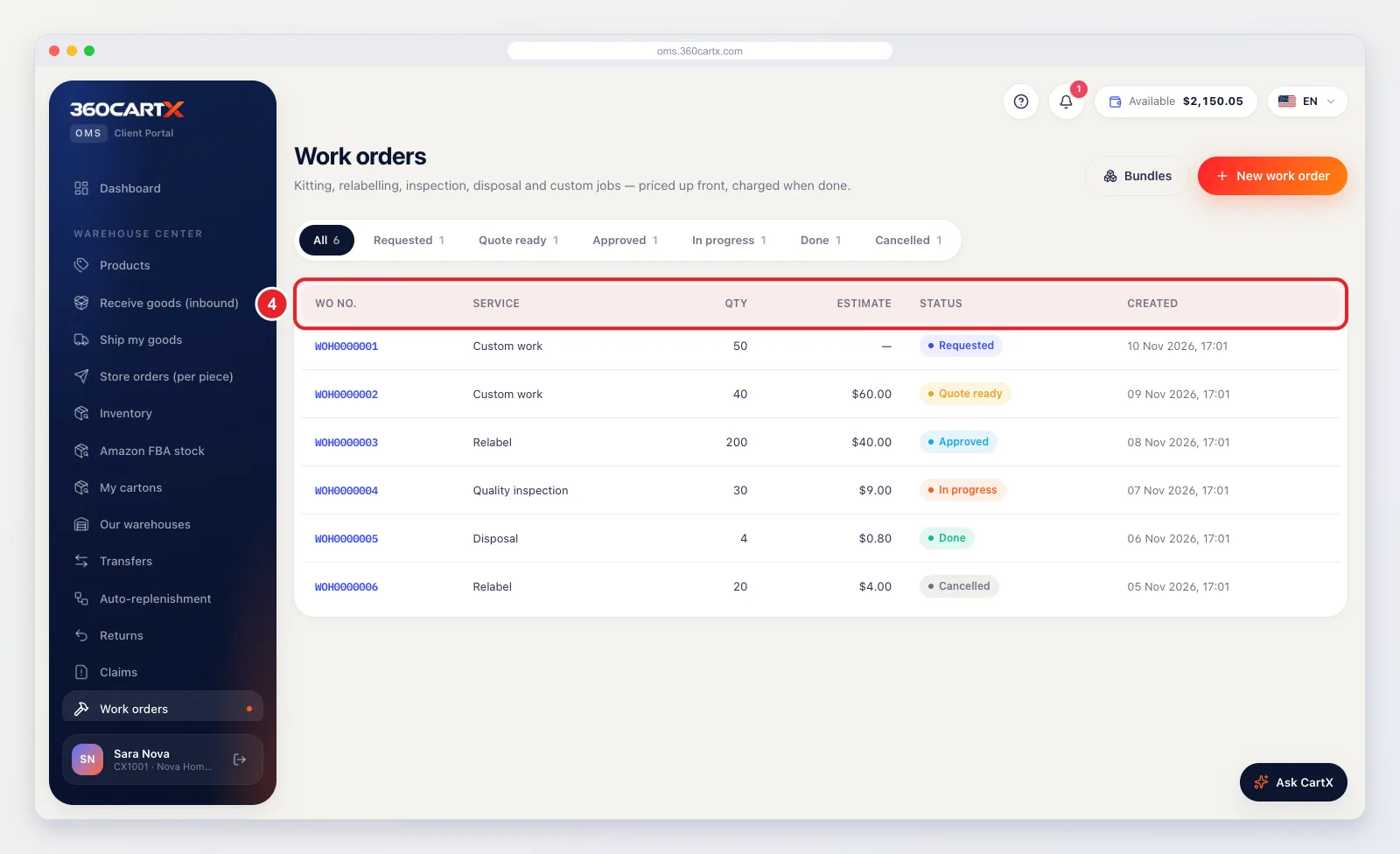
The columns
WO no. (click it to open), Service, Qty (units, kits or cartons), Estimate, Status and Created.
- 5
Read a row
Example: WOH0000003 is a Relabel of 200 units with an estimate of $40.00 and the status Approved. Estimate is the price shown when you asked; for custom work it stays a dash until our quote arrives.
- 5a Service
- 5b Qty
- 5c Estimate
- 6
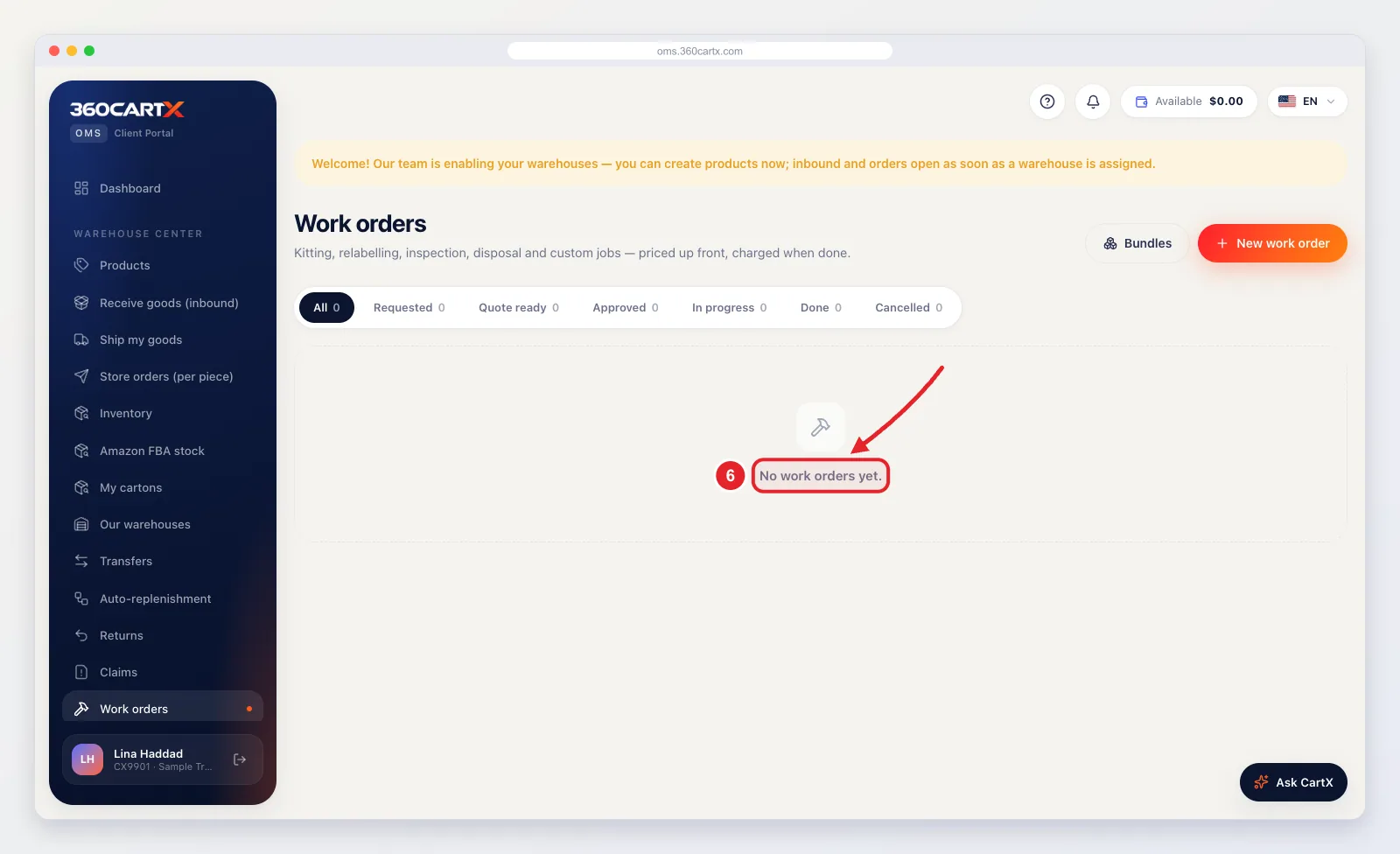
No work orders yet
Before your first job the page says: No work orders yet.
Tips
- See Which work order service do I need? to pick the right service.
- Priced jobs start as soon as you submit; custom jobs wait for our quote and your approval.
Related articles
Updated 2026-11-11
Open a ticket from Support in your portal and our team will reply.