Steps
- 1
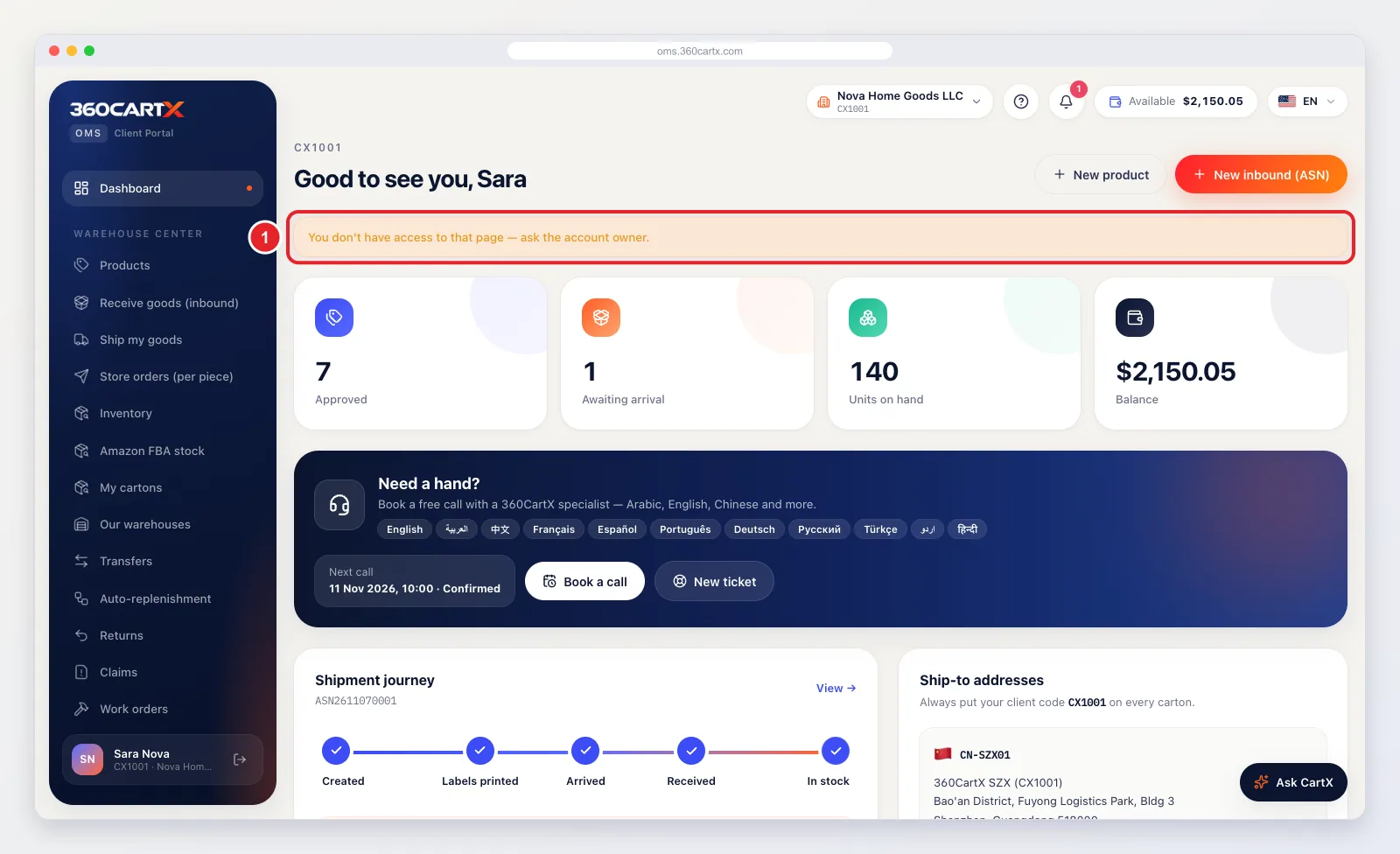
You don't have access to that page — ask the account owner.
You opened a page your role does not include, so you were sent back to the dashboard. Ask the account owner or an admin to add that section to your role in Settings → Team.
- 2
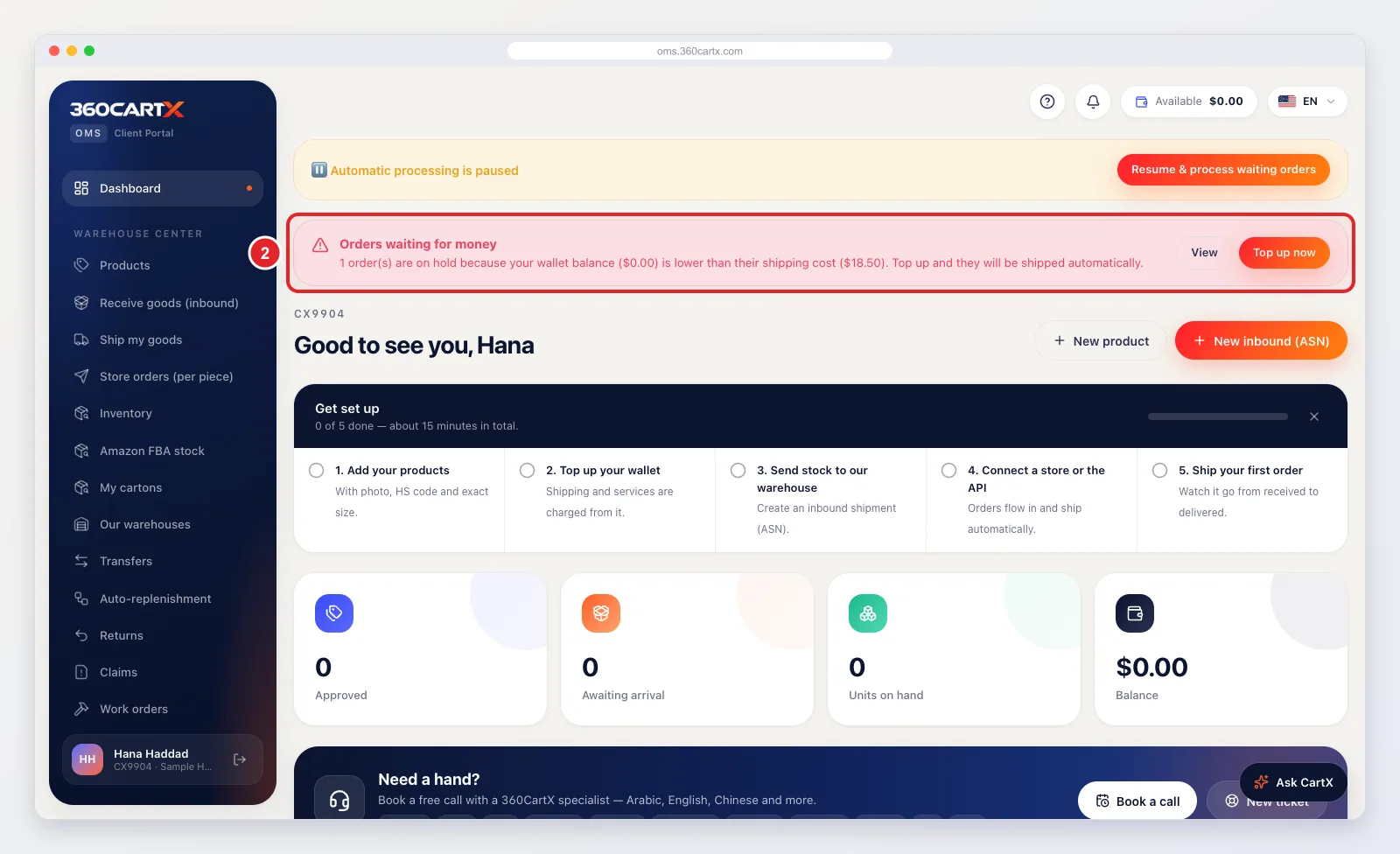
Orders waiting for money
Red message, for example: 1 order(s) are on hold because your wallet balance ($0.00) is lower than their shipping cost ($18.50). Top up and they will be shipped automatically. Click Top up now to add money, or View to see the orders on hold.
- 3
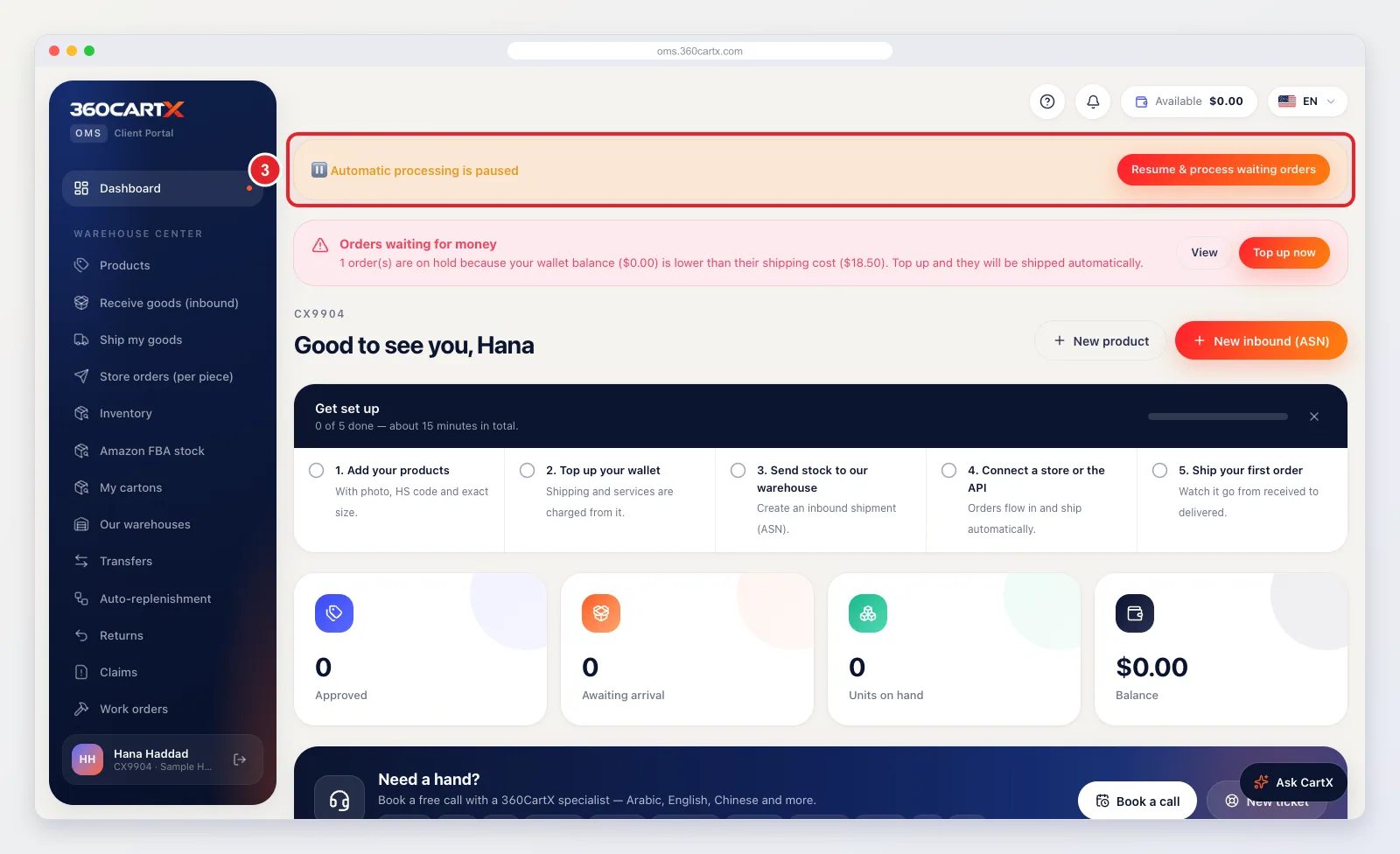
Automatic processing is paused
Someone in your team paused automatic processing in Settings → Fulfilment, so new store orders wait instead of being shipped. Click Resume & process waiting orders in the message: it opens Settings → Fulfilment, where an owner or admin can resume.
Tips
- Welcome! Our team is enabling your warehouses … stays until a warehouse is assigned to a new account. See Your first steps after sign-up.
- Your company requires two-step sign-in … appears until you turn on 2FA. See Sign in with a two-step code.
- A dark Preview of … bar means our team is viewing your portal read-only to help you.
Common problems
I topped up but orders are still on hold
Held orders are released automatically once the balance covers their shipping cost. If the message is still there, check the amounts it shows and top up the difference.
The paused message came back
Processing stays paused until someone resumes it. Check with your team who paused it and why, for example during a stock count.
Related articles
Updated 2026-11-09
Open a ticket from Support in your portal and our team will reply.