Steps
- 1
Open the return
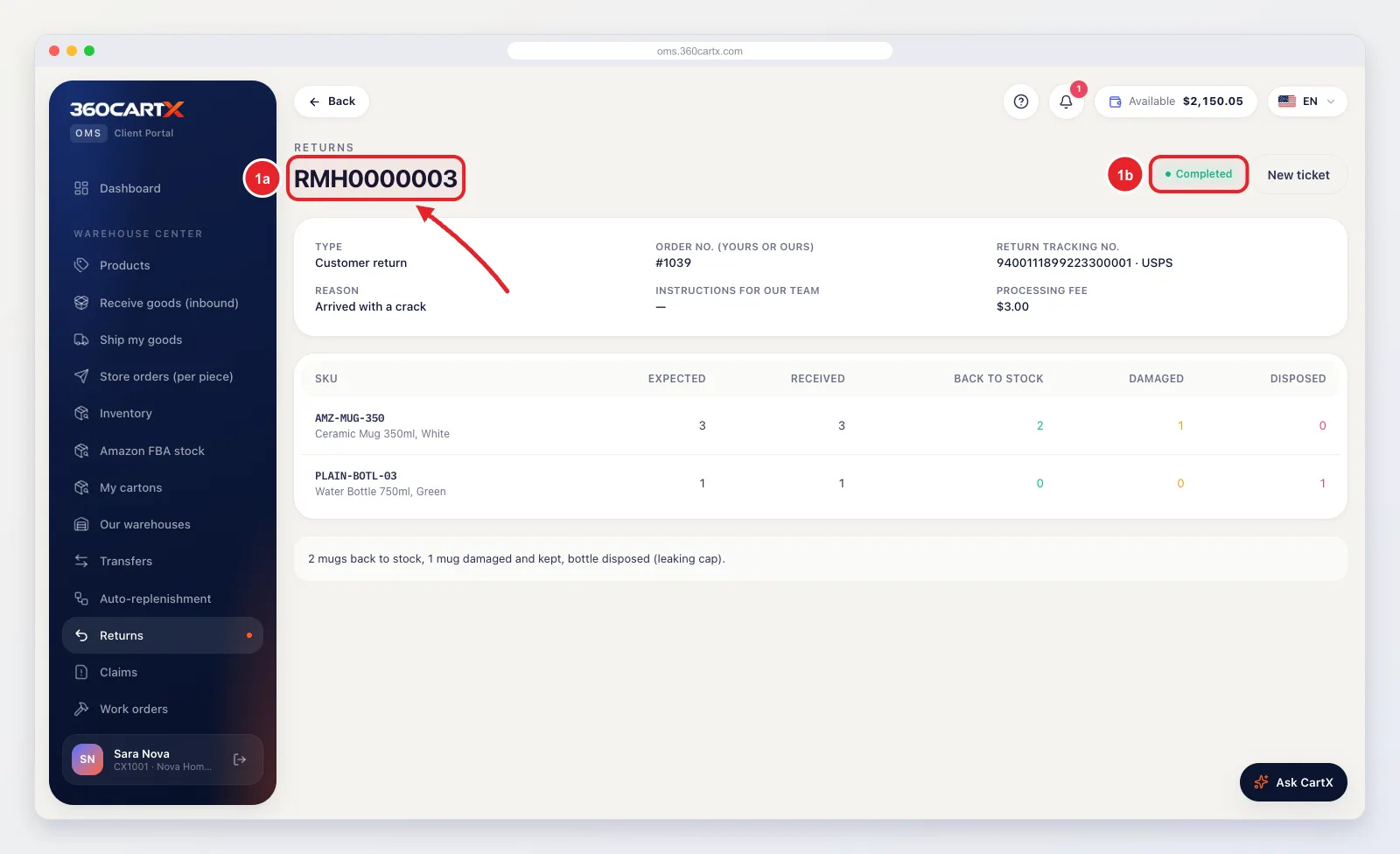
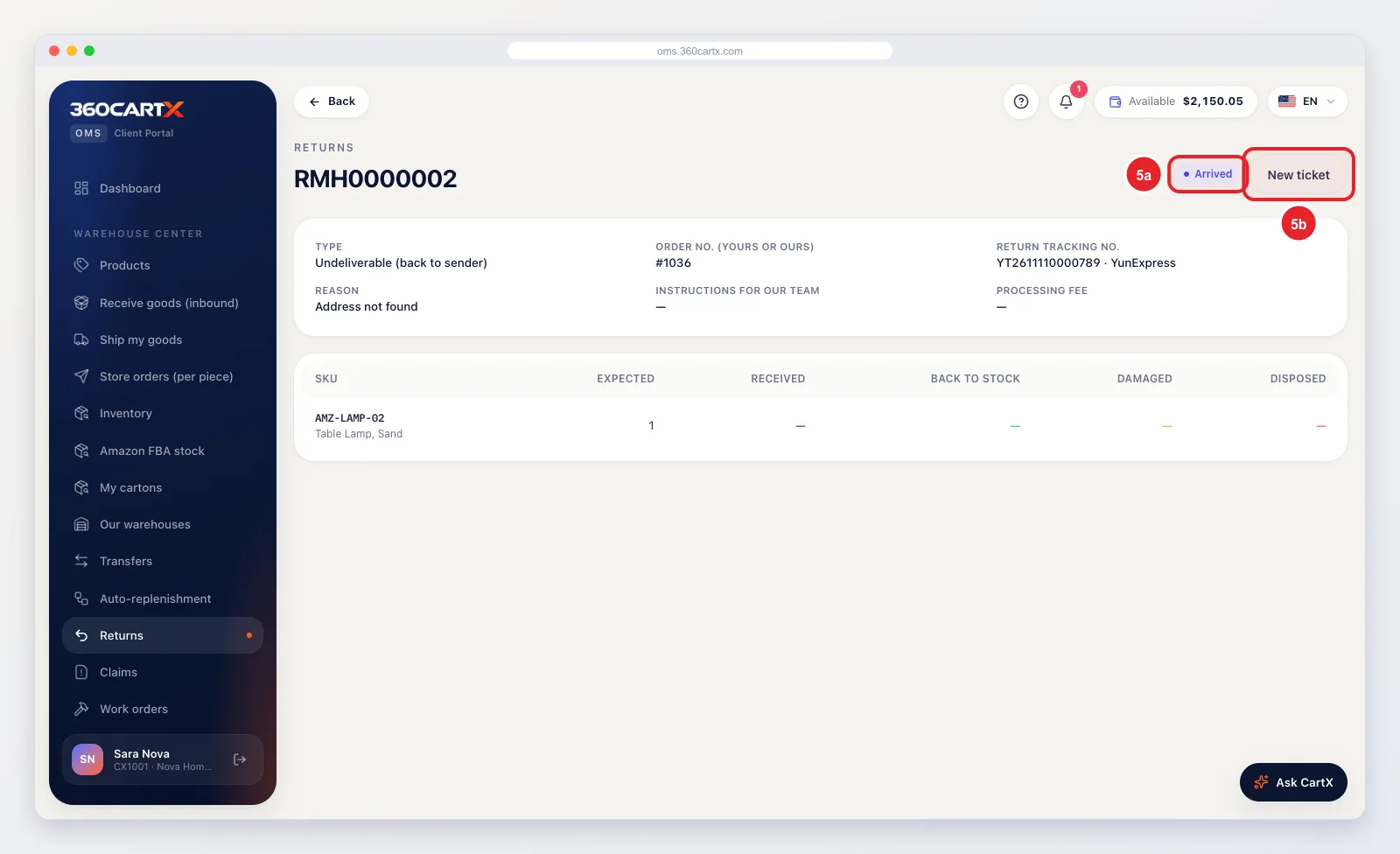
Click the RMA no. in the Returns list. The title is the RMA number, for example RMH0000003, with the status pill next to the buttons.
- 1a RMA no.
- 1b Status
- 2
The details
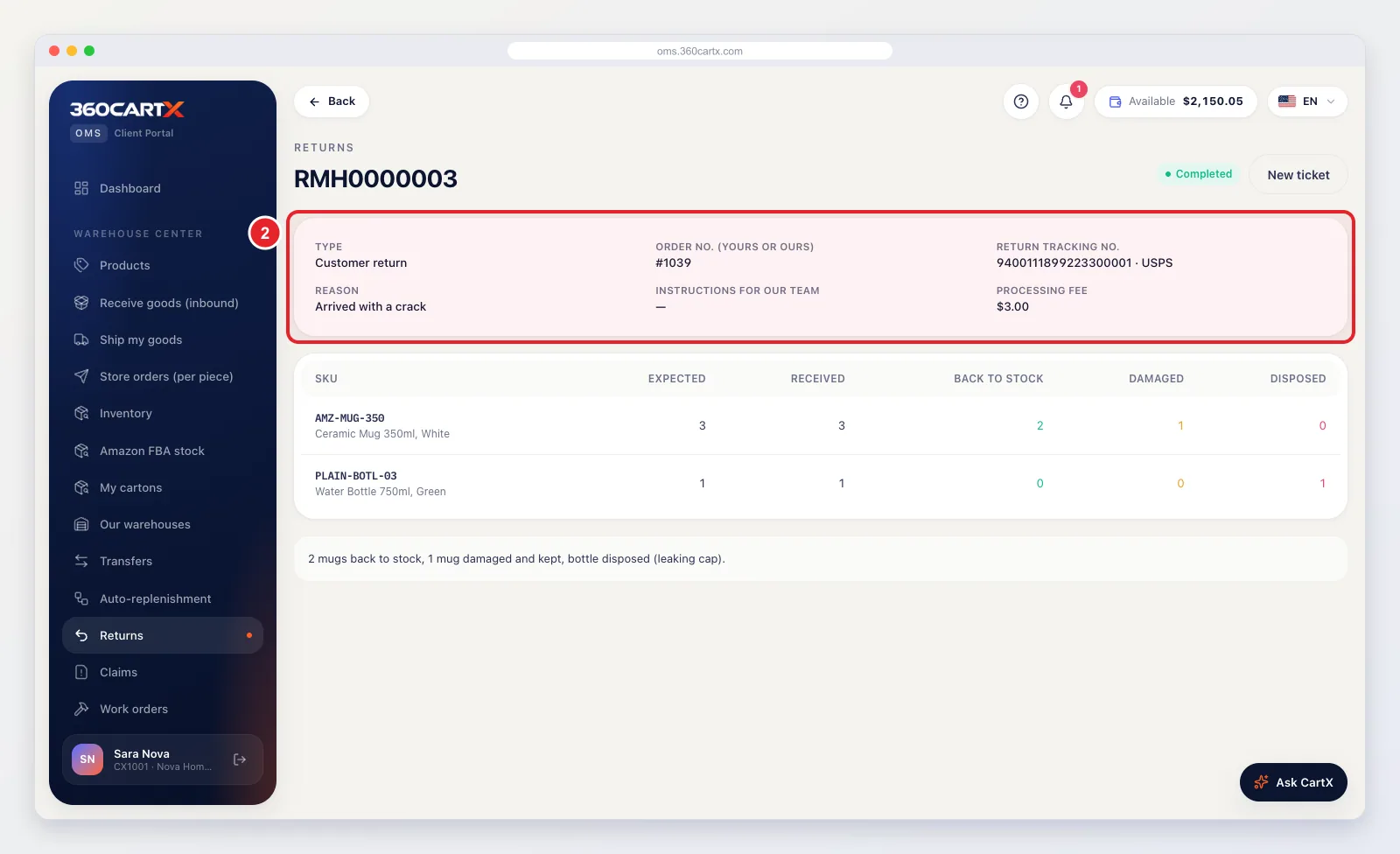
The card shows the Type, the Order no., the Return tracking no. and carrier, the Reason and your Instructions for our team, as you announced them.
- 3
The result per product
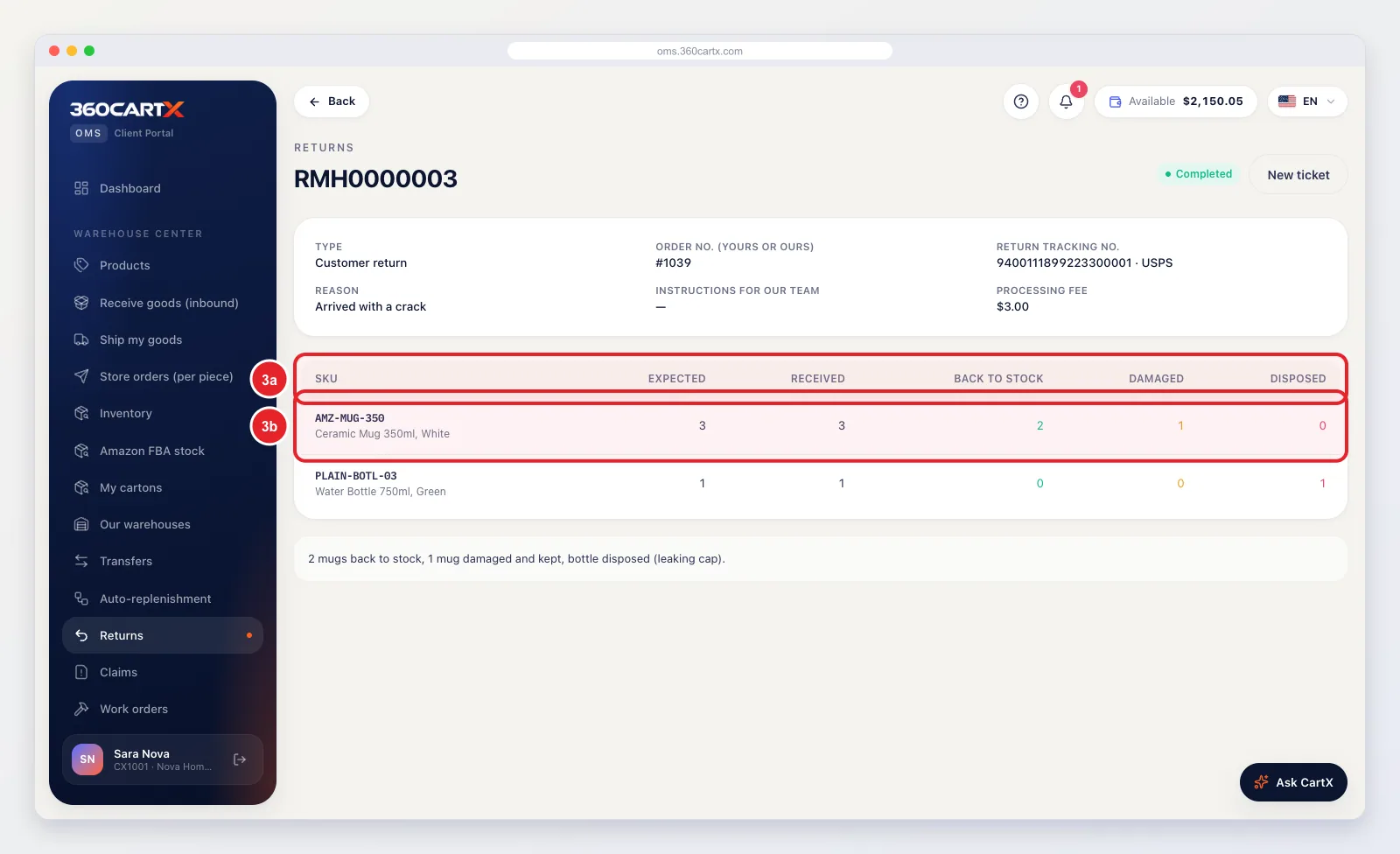
A table with one line per product: Expected (what you announced), Received (what arrived), Back to stock (good units that went back on the shelf and are available again), Damaged (kept in your stock as defective) and Disposed (destroyed). The four result columns show a dash until the return is Completed. Example: 3 mugs expected, 3 received, 2 back to stock, 1 damaged.
- 3a Expected
- 3b Result
- 4
Note from our team
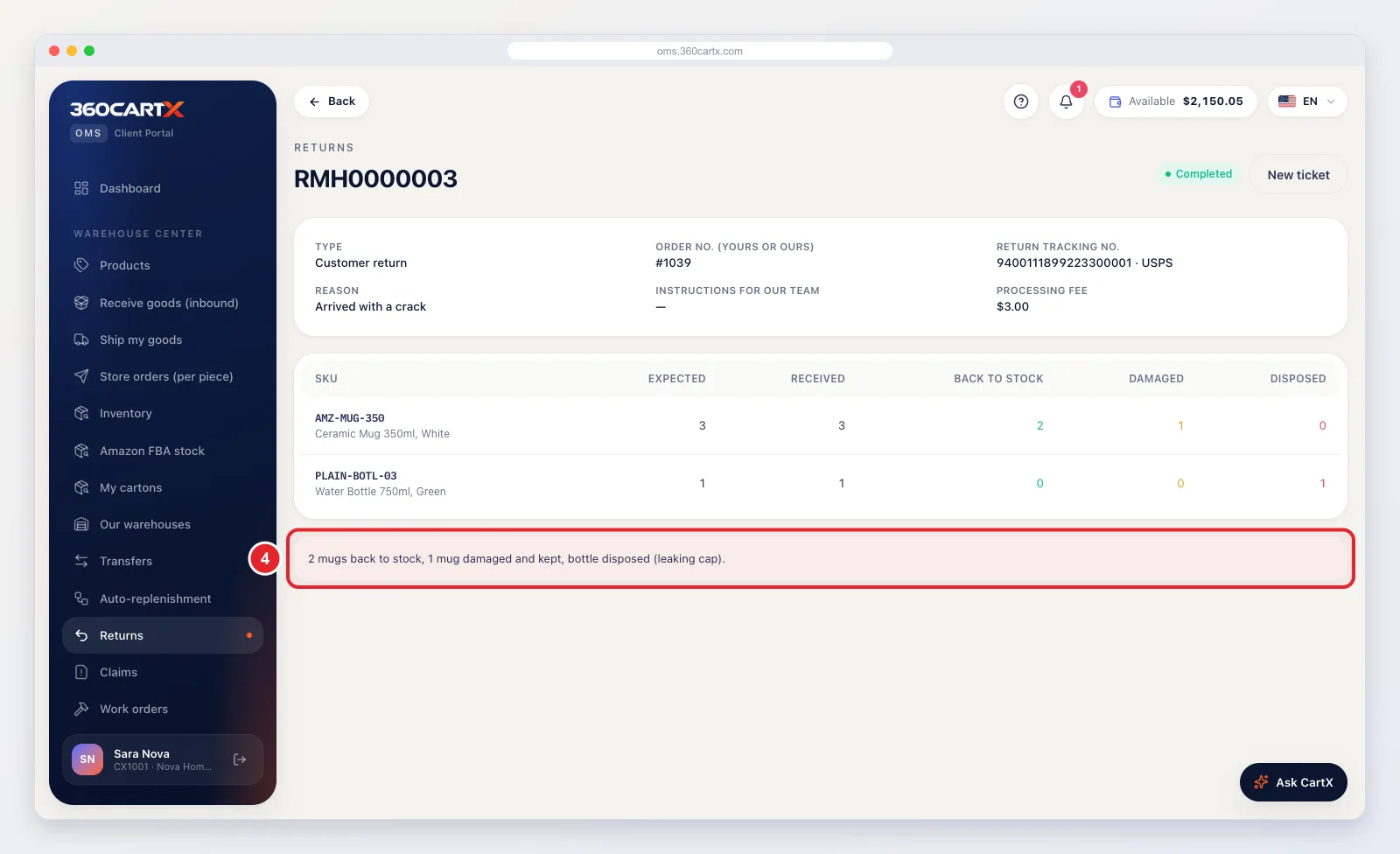
A grey box below the table has our note, for example: 2 mugs back to stock, 1 mug damaged and kept, bottle disposed (leaking cap).
- 5
Questions about a return
New ticket opens a support ticket with the RMA number already filled in. While the status is Arrived or Processing the table shows a dash for the results: wait for the inspection to finish.
- 5a Arrived
- 5b New ticket
Tips
- Back to stock + damaged + disposed must equal the received units; our team cannot save the inspection otherwise.
- A processing fee for a return, if there is one, is charged when the return is completed.
Common problems
Fewer units were received than I announced
The Received column shows what arrived. Open a ticket from the return if units are missing.
Related articles
Updated 2026-11-11
Open a ticket from Support in your portal and our team will reply.