Steps
- 1
Cancel before it is in the warehouse
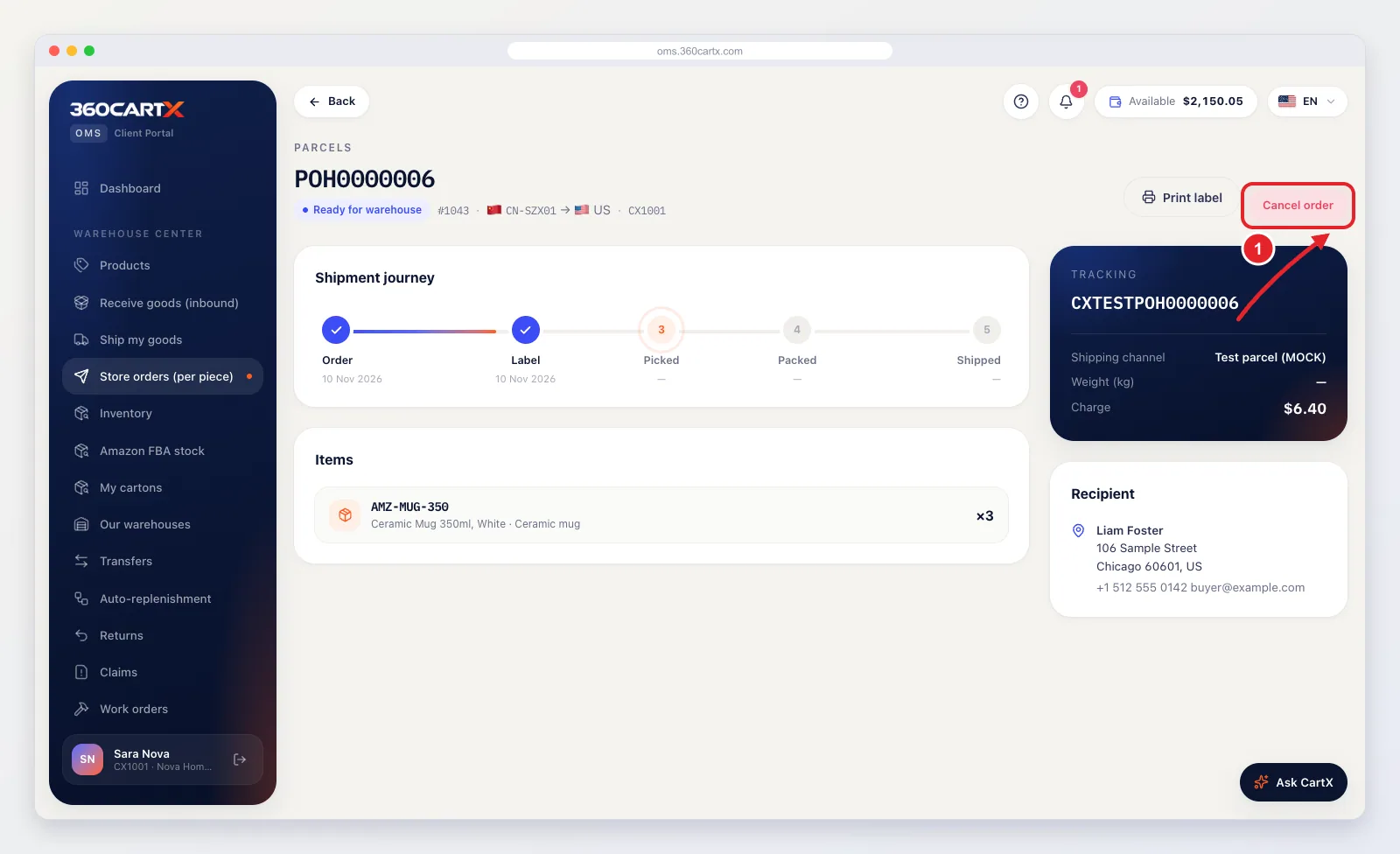
Open the order. The button Cancel order at the top right is shown while the status is Draft, Processing, Needs attention or Ready for warehouse. Click it. There is no confirmation question.
- 2
What happens
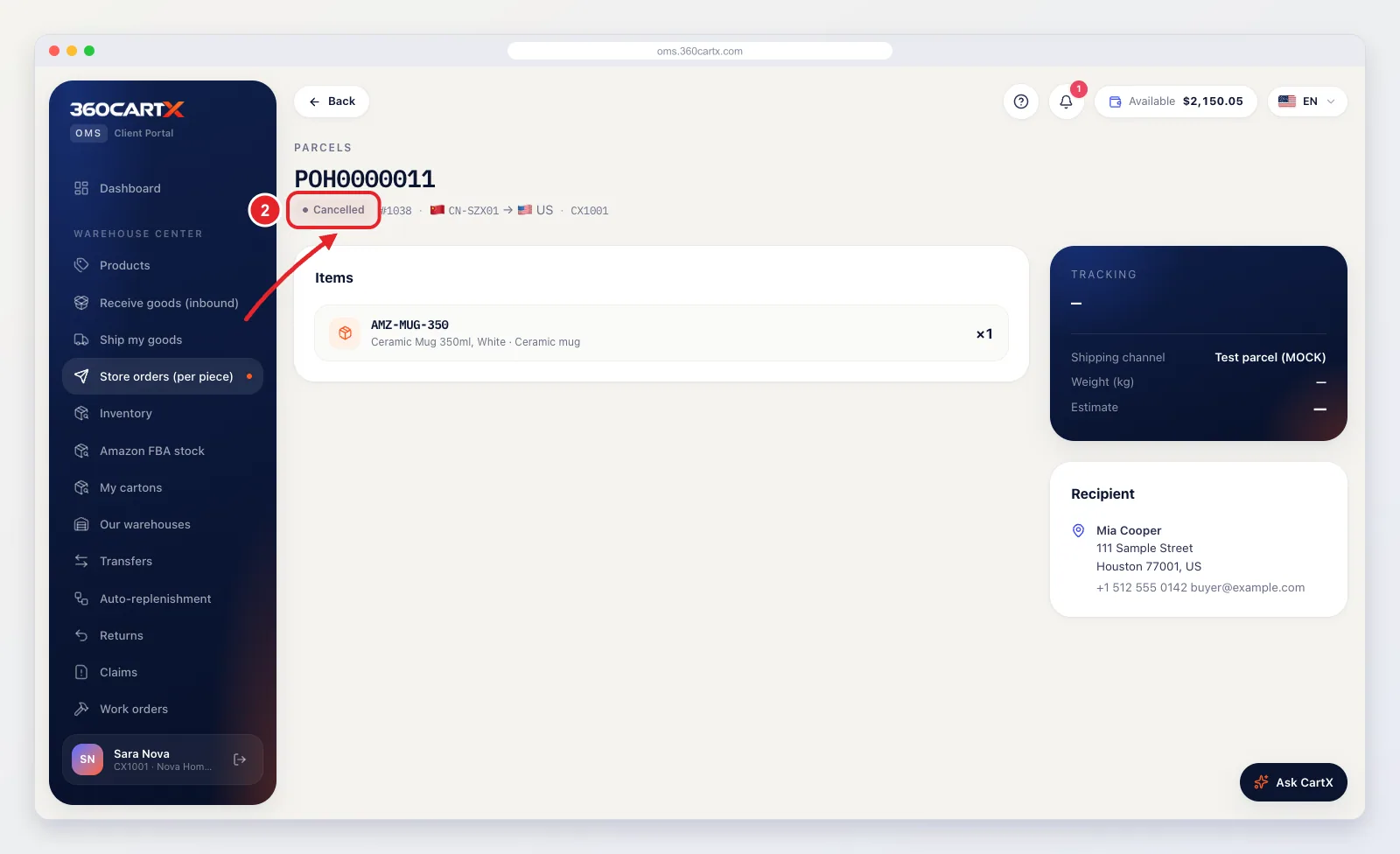
The status becomes Cancelled. If the label was already bought, it is cancelled at the carrier too, the reserved stock is free again and the price returns to your wallet. If the carrier refuses to cancel the label you see: Carrier refused to cancel the label.
- 3
Later it is too late
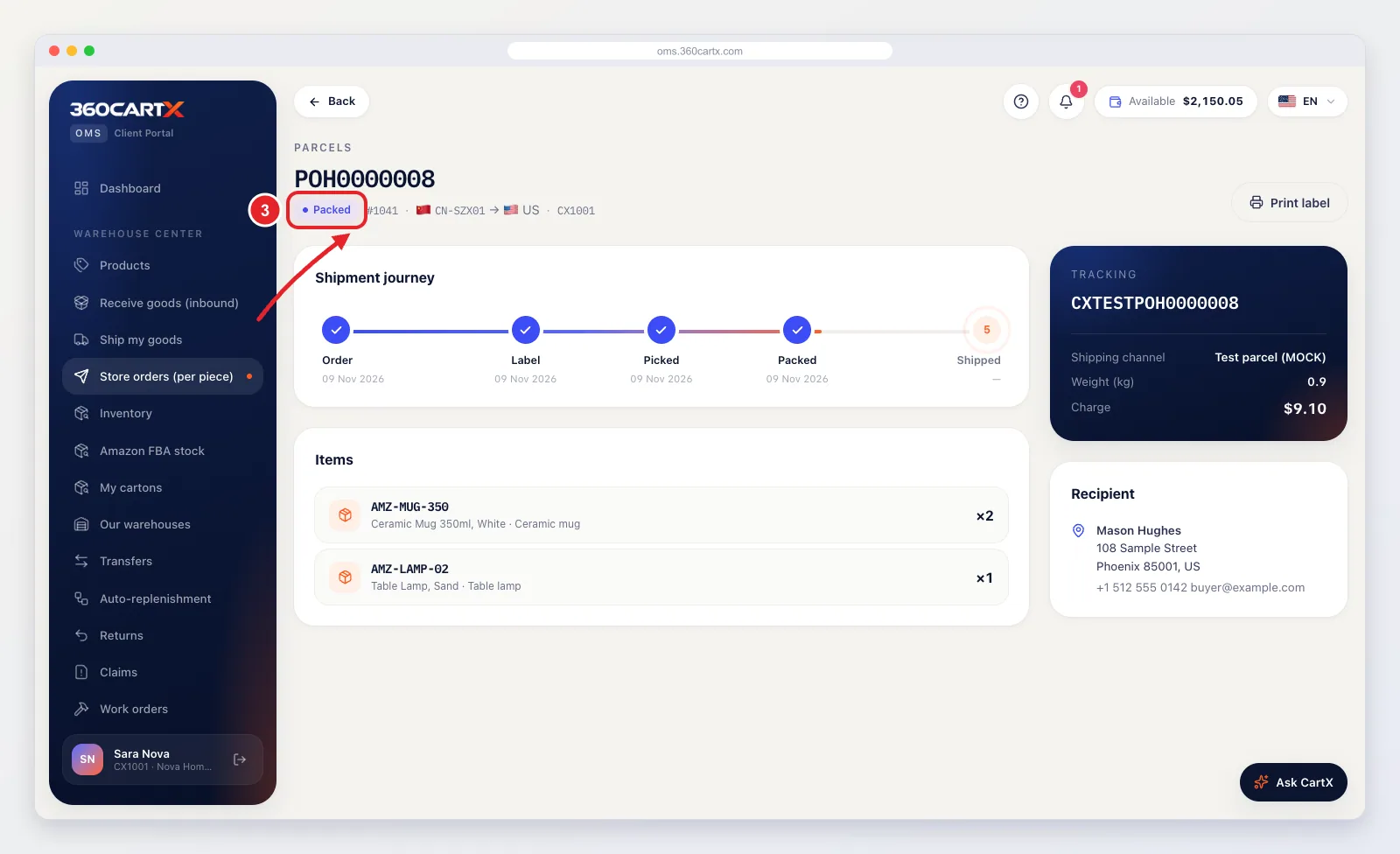
Once the order is picking, picked, packed, shipped or delivered there is no Cancel order button. If you still try, for example from an old page, you read: Already in the warehouse — ask us to intercept it. Open a ticket in Help & support with the parcel number; we try to stop it before it leaves.
Tips
- Orders cancelled in your store are not cancelled here automatically unless the store connection does it: check the status of a store order before you cancel in your store.
- To change the address of an order that needs attention, use Fix address & retry instead of cancelling.
Common problems
Already in the warehouse — ask us to intercept it
The warehouse has started. Open a ticket in Help & support quickly.
Order changed — try again
The order moved while you cancelled. Reload the page and try again.
Related articles
Updated 2026-11-11
Open a ticket from Support in your portal and our team will reply.