Steps
- 1
Open the sign-in page
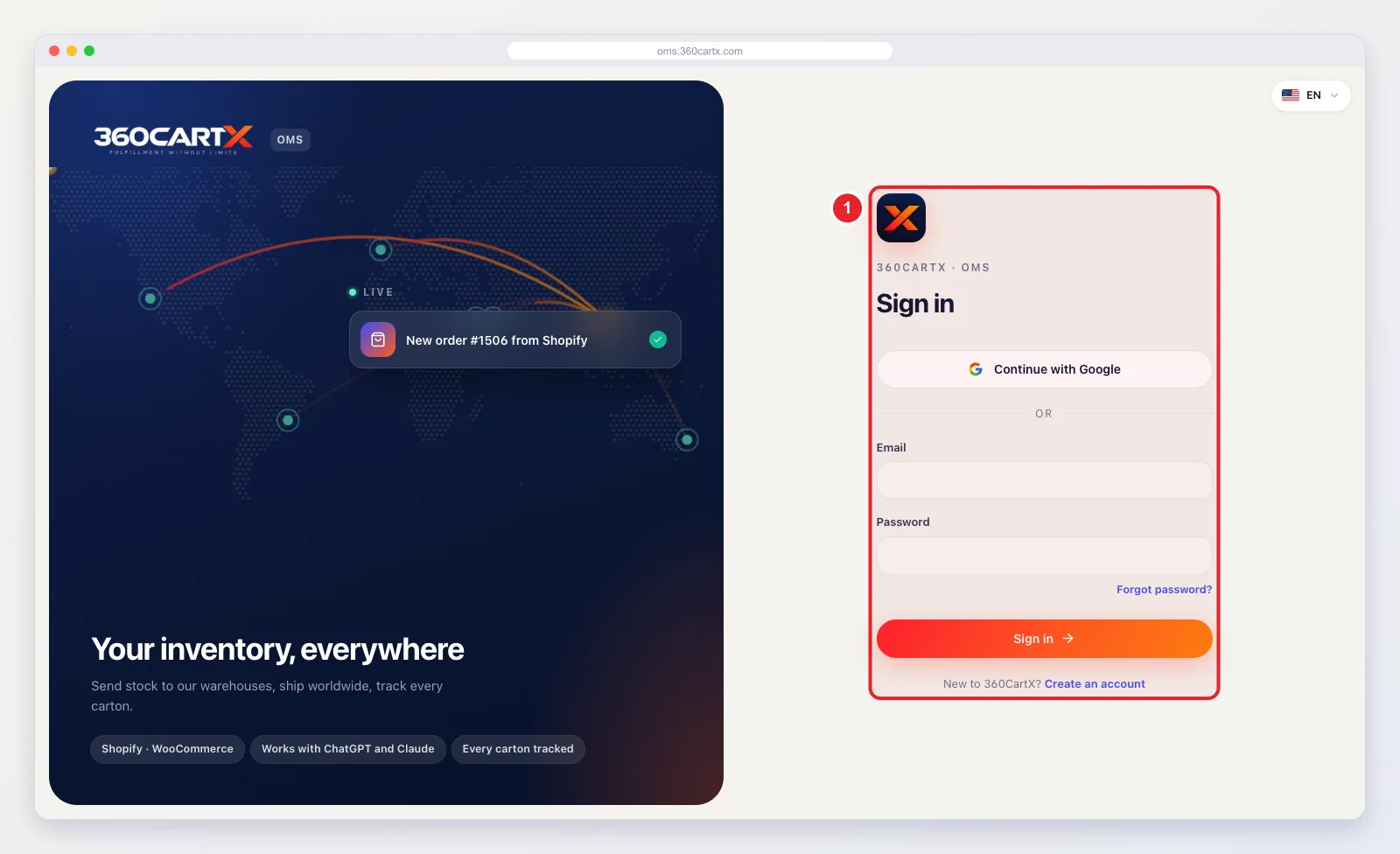
Go to oms.360cartx.com, or click Sign in at the top of 360cartx.com. The sign-in form is on the right.
- 2
Type your email and password
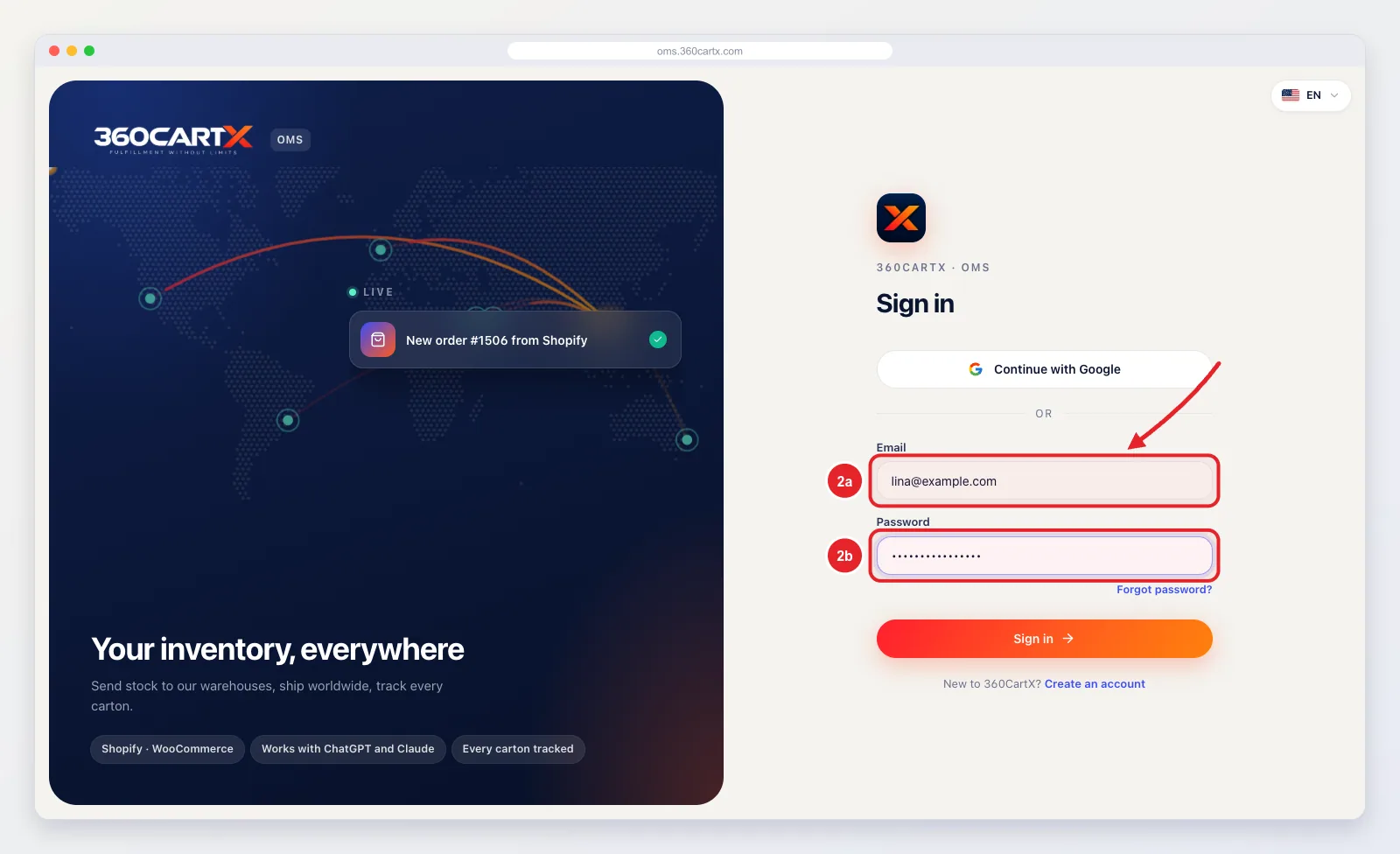
In Email type the email of your account, for example lina@example.com. In Password type your password. Passwords are case-sensitive.
- 2a Email
- 2b Password
- 3
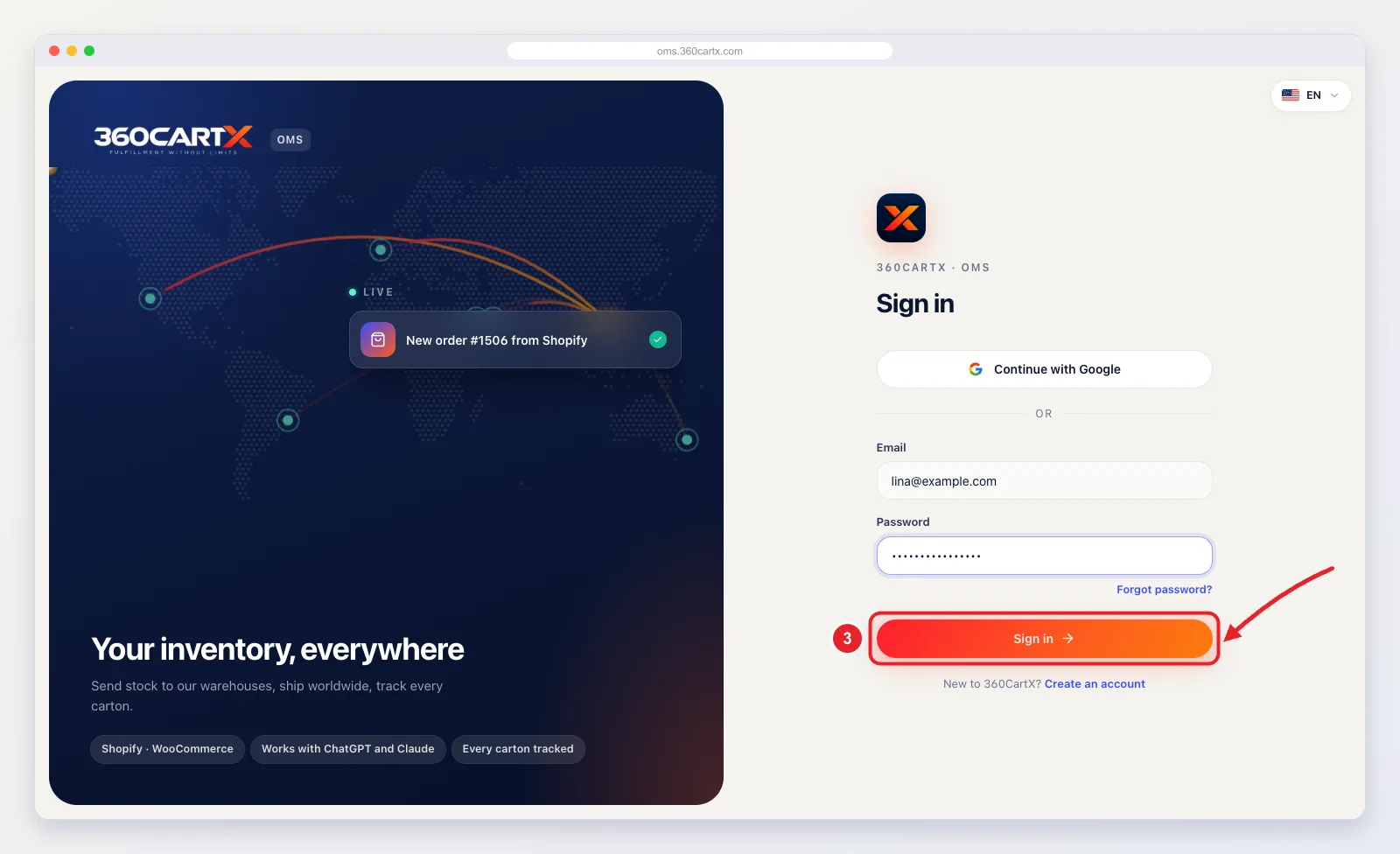
Click Sign in
Click Sign in (or press Enter). If your account uses two-step sign-in, a box for the 6-digit code appears first: see Sign in with a two-step code.
- 4
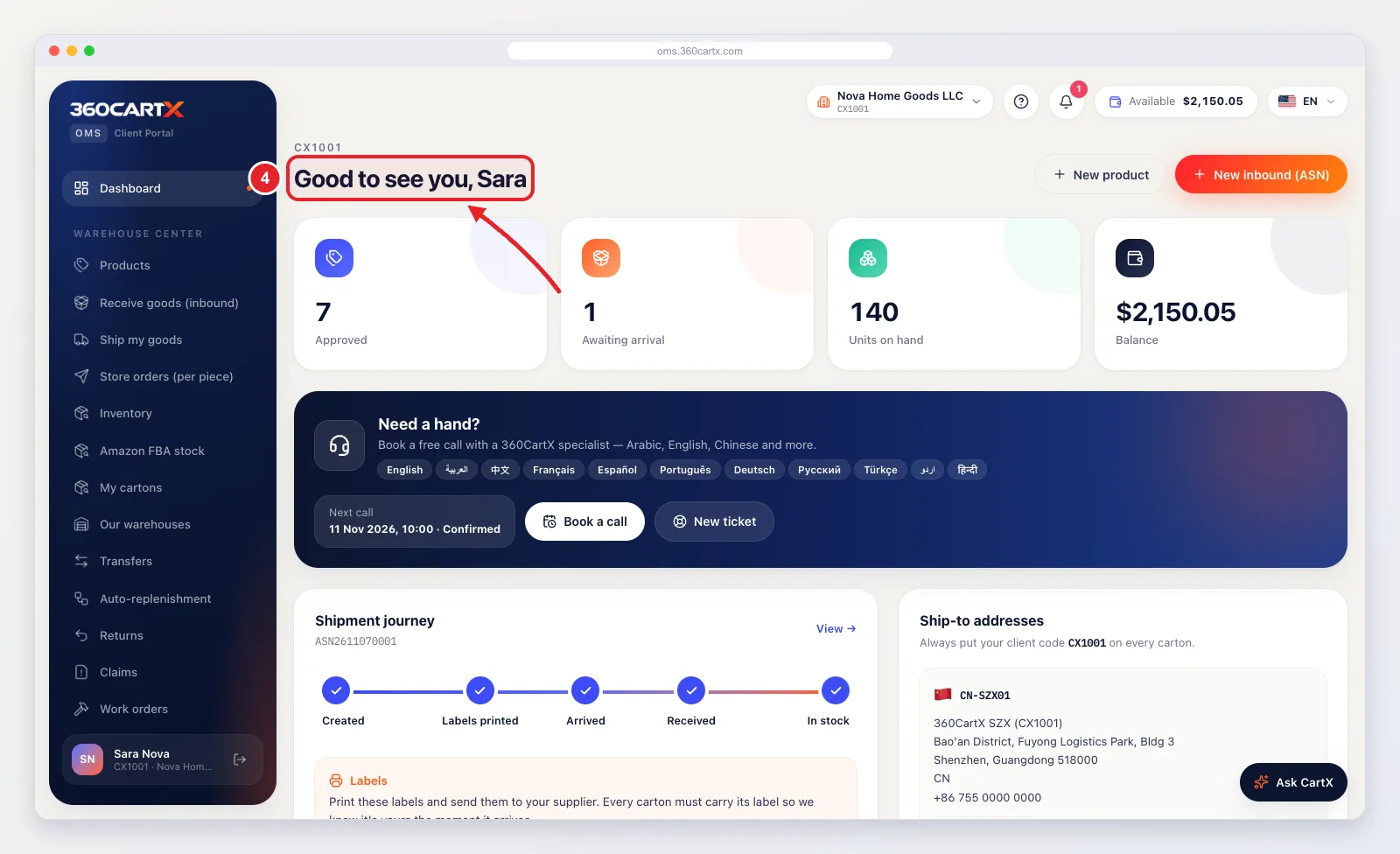
Your dashboard opens
You land on the dashboard with a greeting and your client code (for example CX1001). If you opened a link to a page of the portal before signing in, you go straight to that page instead.
- 5
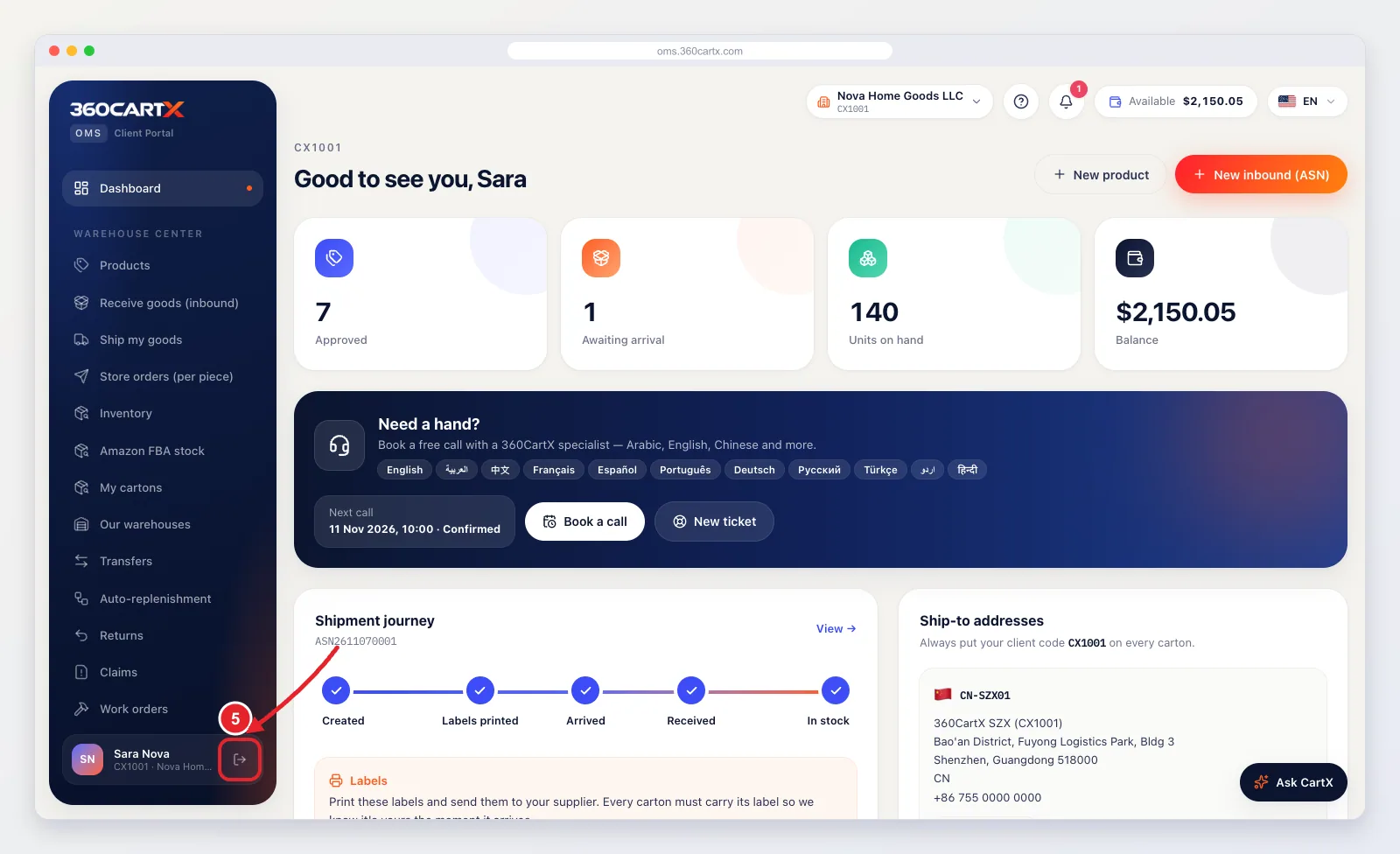
Sign out when you are done
Click the arrow icon next to your name at the bottom of the left menu. You are signed out at once and back on the sign-in page. Always sign out on a shared computer.
Tips
- Forgot your password? Click Forgot password? under the password field. See Reset a forgotten password.
- Bookmark oms.360cartx.com so you always sign in on the real 360CartX address.
- Each person on your team should have their own login. Add them in Settings → Team instead of sharing a password.
Common problems
Email or password is incorrect.
Check the email for typos and that Caps Lock is off. If you still cannot sign in, reset your password.
Too many attempts. Try again in … min.
After 5 wrong tries the sign-in for that email is paused for up to 15 minutes for your safety; the message shows how many minutes are left. Wait, then try again or reset your password.
Related articles
Updated 2026-11-09
Open a ticket from Support in your portal and our team will reply.